Intro to Cybersecurity: Protecting Your Digital Self
Imagine your friend’s super embarrassing photo suddenly popping up on their social media, posted by someone else! Or getting a weird email that looks exactly like it’s from your school, asking for your password. Could this happen to you? Absolutely, but you can become a digital superhero and stop it.
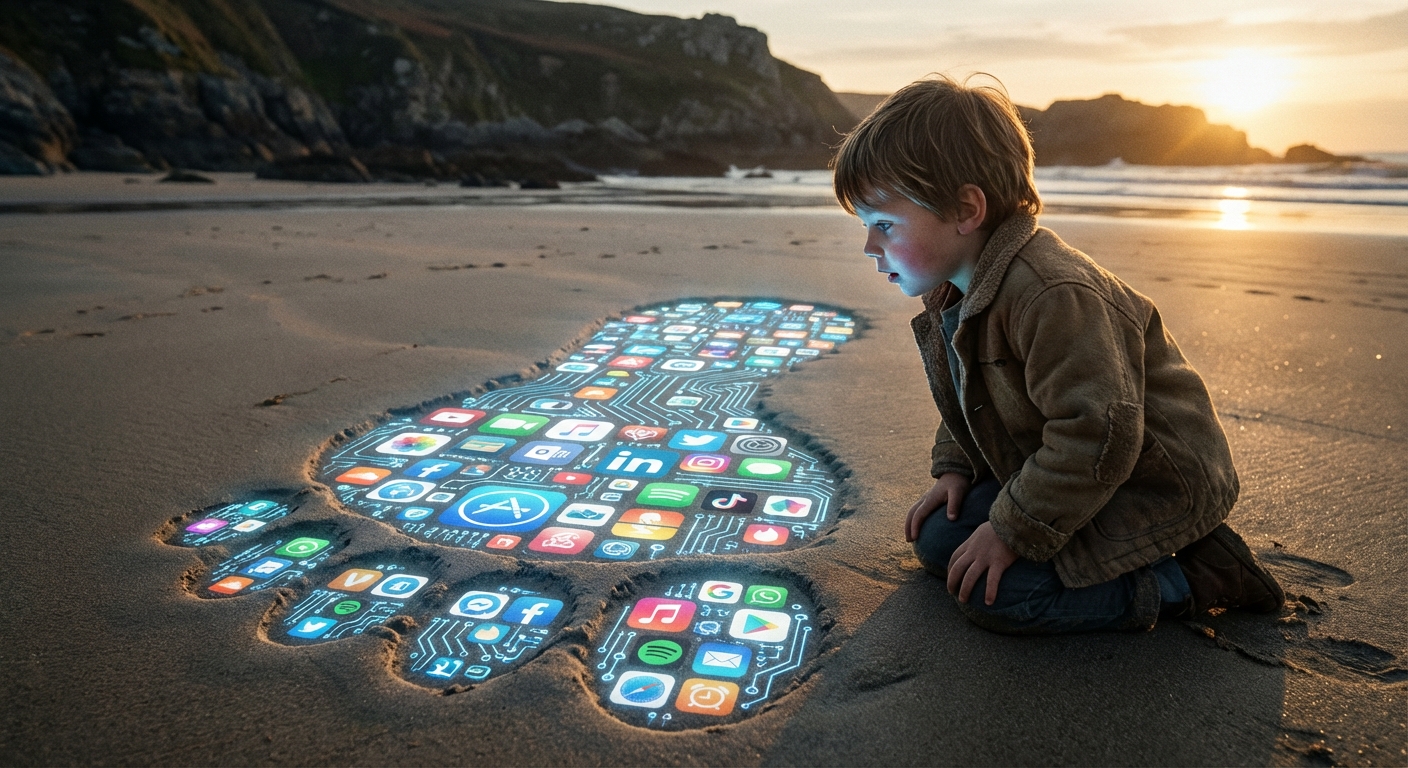
Your Digital Footprint: It’s BIGGER Than You Think!
Think of every website you visit, every app you use, every online game you play. All of that can leave a trail called a digital footprint. Many people accumulate dozens of online accounts, including old ones they no longer use. Your digital footprint can reveal what you like, who your friends are, and sometimes where you live. Protecting it is like protecting your secret identity: you want to control what others can see.
Passwords: Your Secret Superhero Identity
A weak password is like Batman posting his real name and address on social media. Not a good look, right? A strong password is your superhero code name: something unique and hard to guess.
Here’s the secret formula:
- Longer is better: Aim for at least 12 characters.
- Mix it up: Use uppercase and lowercase letters, numbers, and symbols (!@#$%).
- Be random: Avoid using your name, birthday, or anything easily connected to you.
- Never reuse passwords: Using the same password for everything is like having one key for your house, your school locker, and your secret lair. If a villain gets that key, they’re in!
Password managers can help you create and remember strong, unique passwords. They are like your own personal Bat-computer, safely storing all your secret identities.
Phishing: Spot the Villain in Disguise!
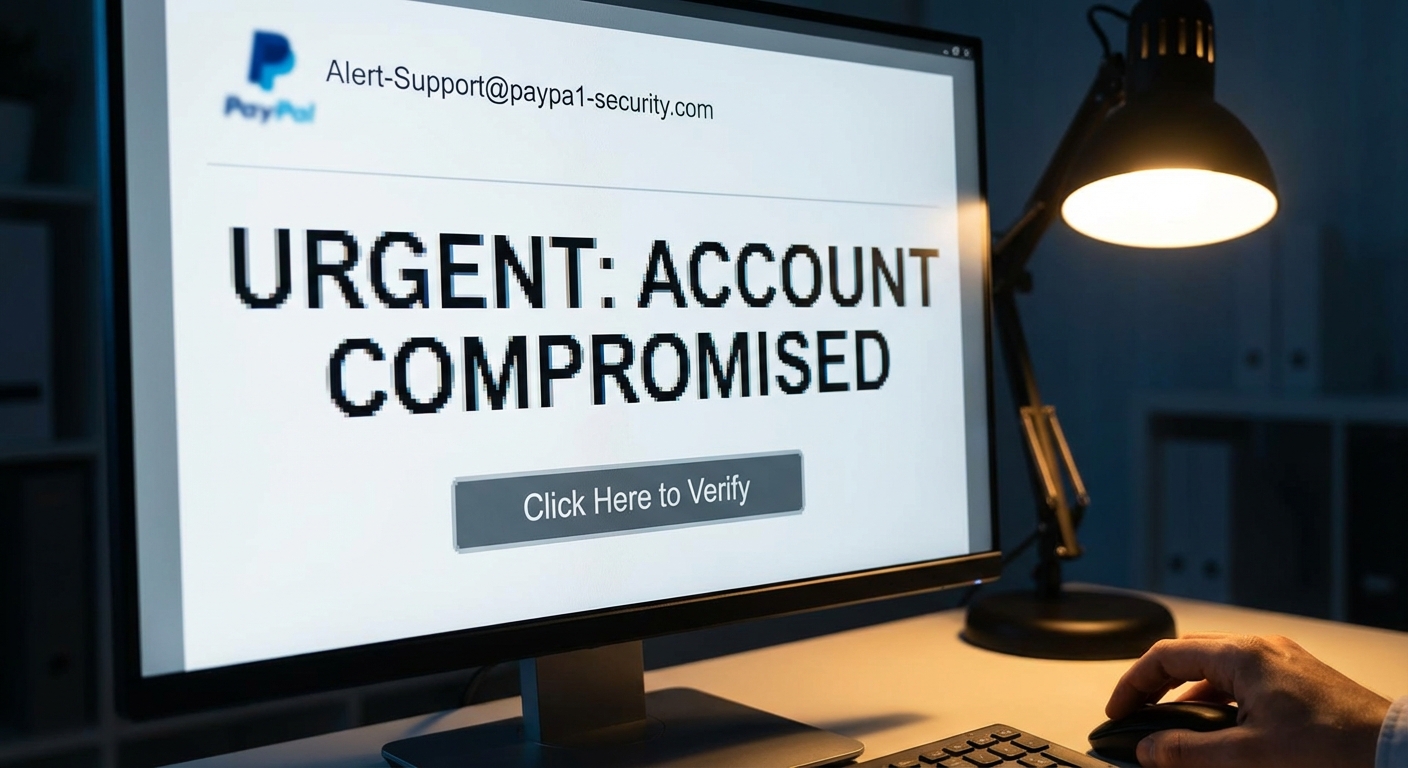
Phishing is when bad guys try to trick you into giving up your personal information by pretending to be someone you trust. Think of it as a villain disguised as your favorite teacher, asking for your lunch money.
Watch out for these red flags:
- Generic greetings: “Dear Customer” instead of your name.
- Misspellings and bad grammar: Villains aren’t always the best writers.
- Urgent requests: “Your account will be closed immediately!” They want you to panic and act fast.
- Suspicious links: Hover over the link (without clicking!) to see where it really goes. Does it look like the real website?
Here’s an example:
Subject: Urgent Account Update Required!
Dear Valued Customer,
It has came to our attention that your account information is outdate. Please click hear to update your information imediatly or your account will be suspendid.
[Suspicious Link]
See all the mistakes? That’s a major clue it’s a phishing attempt!
Browsing Safely: Your Superhero Shield!
Safe browsing is like having a force field around you while you explore the internet. You need to know how to activate it!
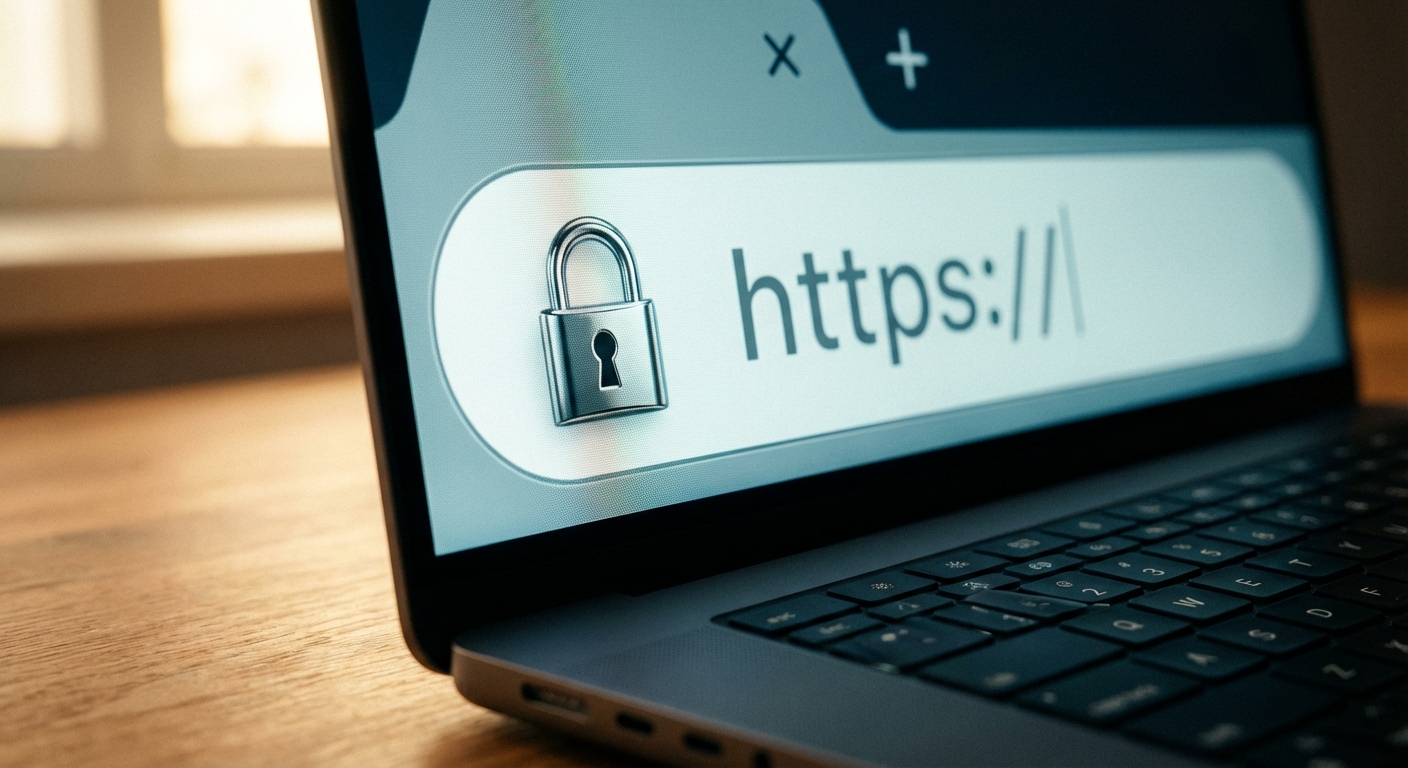
- Look for HTTPS: Before entering any personal information on a website, make sure the address starts with “https://” and has a padlock icon in the address bar. This means the website is using encryption to protect your data. It’s like wearing armor!
- Be careful what you click: Avoid clicking on suspicious links in emails, texts, or social media posts. If a website looks shady or too good to be true, it probably is.
- Keep your software up to date: Updates often include security patches that protect you from the latest threats. It’s like upgrading your superhero suit with new gadgets!
You now have the tools to be a digital superhero! It’s important to remember that hacking attempts happen every 39 seconds somewhere in the world. Share your newfound knowledge with your friends and family. Together, you can create a safer digital world for everyone.