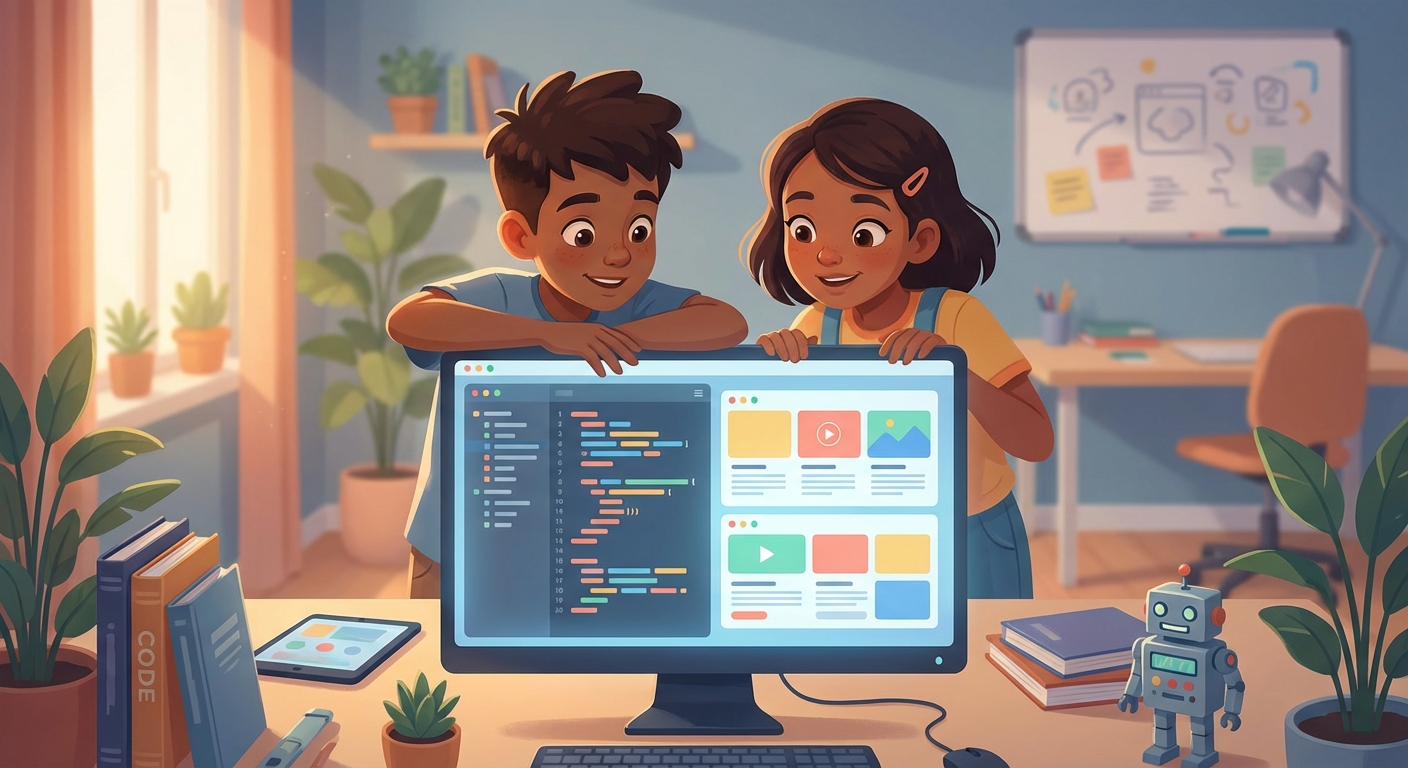
Web Development
What Is a Website?
A website is a collection of pages you can see on the internet. Each page shows text, pictures, videos, or games. When you type a web address, your computer talks to a server and asks for the pages. The server sends the pages back, and your browser shows them.
How Websites Are Built
Websites are made with three main languages:
- HTML – the skeleton. It tells the browser what parts belong on the page, like headings, paragraphs, and images.
- CSS – the clothing. It decides colors, fonts, and layout so the page looks nice.
- Javascript – the brain. It adds interactivity, like buttons that change the page or games that react to clicks.
Think of building a house: HTML builds the walls, CSS paints and decorates, and JavaScript adds the lights and doors that open automatically.
Tools You Can Use
You don’t need expensive software to start. Here are some free tools:
| Tool | What It Does |
|---|---|
| Text Editor (e.g., VS Code, Notepad++) | Lets you write HTML, CSS, and JavaScript files. |
| Web Browser (Chrome, Firefox, Edge) | Shows your website and helps you find mistakes. |
| Console (built‑in browser tool) | Shows error messages and lets you test code quickly. |
All of these run on Windows, macOS, or Linux.
Try a Simple Project
- Create A Folder called
my‑site. - Inside it, make a file named
index.htmland paste this code:
<!DOCTYPE html>
<html>
  <head>
    <title>My First Site</title>
    <style>
      body {
        font-family: Arial, sans-serif;
        background: #f0f8ff;
      }
      h1 {
        color: #0066cc;
      }
    </style>
  </head>
  <body>
    <h1>Hello, world!</h1>
    <p>Welcome to my very first website.</p>
    <button onclick="alert('You clicked me!')">Click me</button>
  </body>
</html>- Open The File by double‑clicking it. Your browser will display the page.
- Experiment: change the text, colors, or button message. Refresh the page to see what happens.