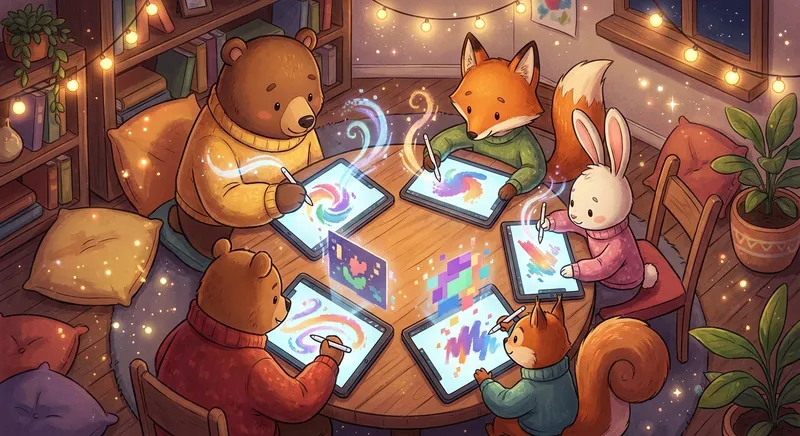
🎨 Digital Art: Painting with Light and Pixels
Digital art is making pictures on a screen instead of using paper and paint. You can draw on a tablet, a computer, or even a phone. It lets you create anything you imagine—like a dragon that flies out of the clouds or a robot that sings!
What Is Digital Art?
Digital art is a picture made with a computer or a tablet. Think of it like coloring with crayons, but the crayons are tiny dots called pixels that light up on the screen. Each pixel is a tiny square of color, and together they make the whole picture.
Tools to Make Art
- Tablet Or Ipad – a flat screen you can touch with a special pen.
- Computer – you can use a mouse or a drawing pad.
- Apps – simple programs like Tux Paint or Kids Doodle help you pick colors, brushes, and stickers.
How Artists Create
- Choose A Tool – pick a tablet or computer.
- Pick A Brush – like a thin line or a big paint splash.
- Start Drawing – you can trace a picture, free‑hand a shape, or add stickers.
- Add Colors – mix reds, blues, and greens just like mixing paints.
- Save And Share – you can keep the picture on the device or show it to friends.
Why It Is Fun
- Undo Button – Oops! You can erase a mistake with one click.
- Endless Colors – More shades than a box of crayons.
- Movement – Some digital art can move, making a picture come alive!
Did You Know?
A single digital picture can have Millions Of Pixels—more than the number of grains of sand in a small sandbox!
Digital art lets your imagination run wild. Grab a tablet or ask a grown‑up to help you open a drawing app, and start creating your own colorful world. The screen is your new canvas—what will you draw today? 🌟