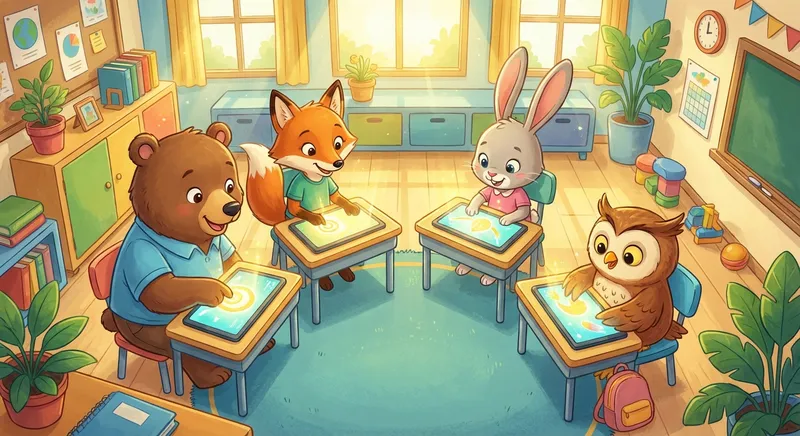
📱 Touch Screens: Magic at Your Fingertips
Have you ever tapped a picture on a tablet or swiped a game on a phone? That’s a Touch Screen – a flat surface that listens to your fingers and shows you pictures, words, and sounds.
1. What Is a Touch Screen?
A touch screen is a smooth screen that can feel where you touch it. It works like a big, invisible piano: each spot can sense a tiny press and tells the device, “Hey, I was touched here!”
2. How Does It Work?
- Layers: Inside the screen are two thin layers that make a tiny electric grid.
- Touch: When your finger touches the screen, it changes the electric signal at that spot.
- Signal: The device reads the change and shows the right picture or letter.
Think of it like drawing on a chalkboard with a magic pen that makes the drawing appear on a TV screen!
3. Everyday Magic
- Reading: Swipe left to turn a page in a storybook.
- Games: Tap a jumping frog or slide a puzzle piece.
- Drawing: Paint rainbows with your finger.
All of these things happen because the screen can feel where you press.
4. Imagination Time 🌈
Imagine a world where the floor is a giant touch screen. You could step on a picture of a farm and hear mooing cows, or tap a cloud to make it rain candy! Your fingers can turn ordinary surfaces into playgrounds of sound and light.
Did You Know?
The first touch screen was made in the 1960s for a Computer that helped scientists draw pictures. Today, even toys and refrigerators have touch screens!
Touch screens turn our hands into tools for learning, playing, and creating. Keep exploring—tap, swipe, and imagine what else your fingers can make appear! 🚀