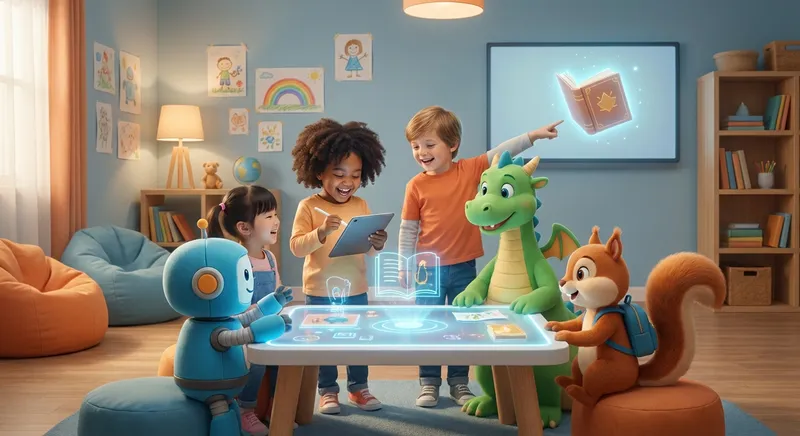
✍️ Digital Writing Adventures
Hello, young writers! Today we’ll explore Digital Writing – the way we type or draw words on a screen. It’s like using a magic notebook that lives inside a tablet, computer, or phone.
1. What Is Digital Writing?
Digital writing means putting letters on a screen instead of paper.
- Paper Writing: you need a pen, pencil, and a sheet of paper.
- Digital Writing: you tap keys or use a stylus (a tiny pen) on a screen.
Both make words, but digital tools can add colors, sounds, and pictures instantly!
2. Tools to Write on a Screen
- Keyboard: the rows of letters you press with your fingers.
- Stylus: a small stick that feels like a pencil, perfect for drawing letters.
- Voice Typing: speak, and the computer writes for you!
Try tapping the letters of your name on a keyboard. See how fast you can type?
3. Keeping Your Words Safe
When you write on a screen, your story can be saved in a folder.
- Save: click the little floppy‑disk icon or tap “Save.”
- Copy: you can make another copy so you never lose it.
Just like putting your drawings in a safe box, digital writing needs a “save” button.
4. Add Pictures and Fun Sounds
Digital pages let you add stickers, emojis, or even record your voice.
- Draw a sun 🌞 next to a beach story.
- Press a button to hear the ocean roar.
Your imagination can jump from words to pictures in a single click!
Did You Know?
The first computer that could type letters was built in 1949 and was called the ENIAC. It was as big as a room! Today, we can type on tiny tablets that fit in our hands.
Digital writing is a wonderful playground for your ideas. Grab a tablet or computer, type a short story, add a drawing, and Save it. Keep exploring, and let your words travel far and wide—right from your screen! 🚀