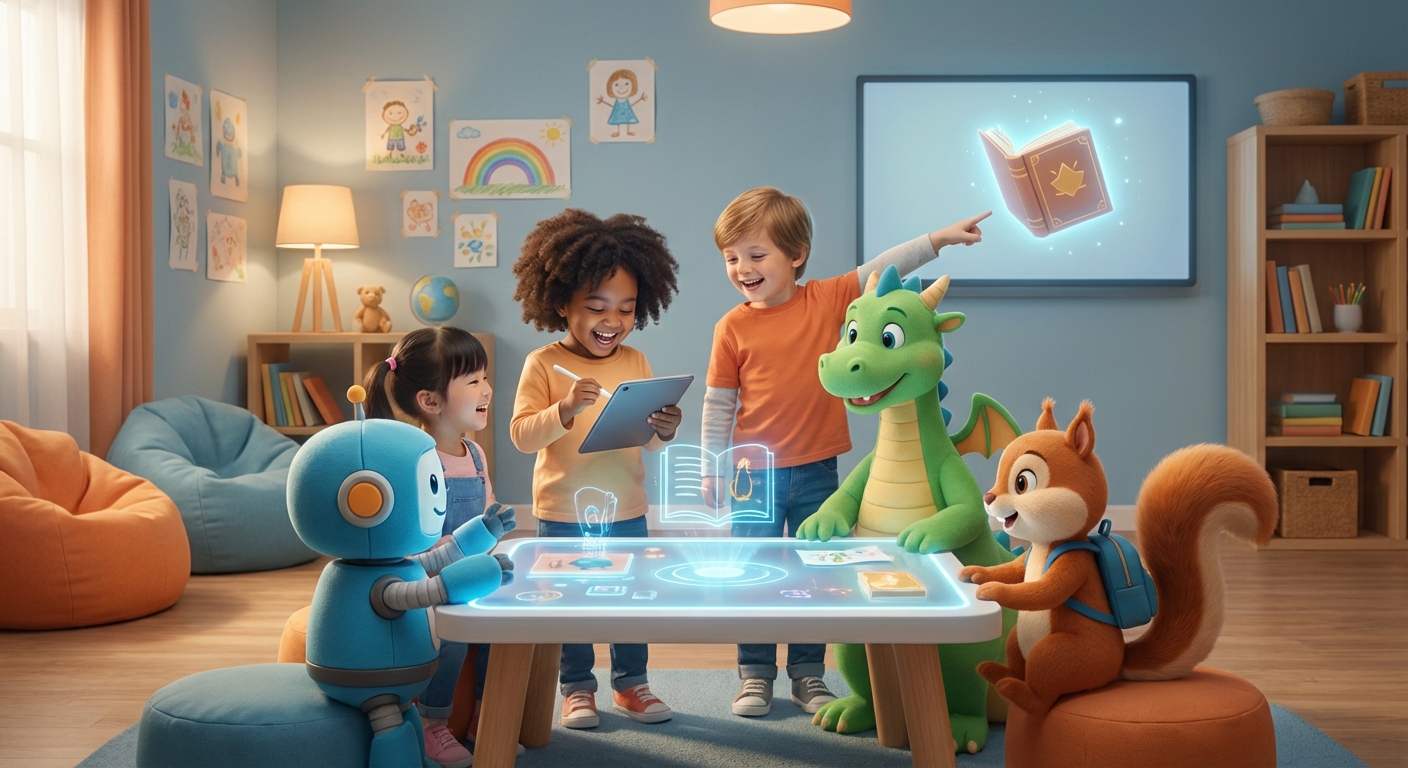
✍️ Digital Writing Adventures
Hello, young writers! Today we’ll explore Digital Writing – the way we type or draw words on a screen. It’s like using a magic notebook that lives inside a tablet, computer, or phone.
1. What Is Digital Writing?
Digital writing means putting letters on a screen instead of paper.
- Paper Writing: you need a pen, pencil, and a sheet of paper.
- Digital Writing: you tap keys or use a stylus (a tiny pen) on a screen.
Both make words, but digital tools can add colors, sounds, and pictures instantly!
2. Tools to Write on a Screen
- Keyboard: the rows of letters you press with your fingers.
- Stylus: a small stick that feels like a pencil, perfect for drawing letters.
- Voice Typing: speak, and the computer writes for you!
Try tapping the letters of your name on a keyboard. See how fast you can type?
3. Keeping Your Words Safe
When you write on a screen, your story can be saved in a folder.
- Save: click the little floppy‑disk icon or tap “Save.”
- Copy: you can make another copy so you never lose it.
Just like putting your drawings in a safe box, digital writing needs a “save” button.
4. Add Pictures and Fun Sounds
Digital pages let you add stickers, emojis, or even record your voice.
- Draw a sun 🌞 next to a beach story.
- Press a button to hear the ocean roar.
Your imagination can jump from words to pictures in a single click!
Did You Know?
Early electronic computers could fill a room and often used switches, cables, or punched cards instead of the screens and keyboards we know today. Now we can type on tablets that fit in our hands.
Digital writing is a wonderful playground for your ideas. Grab a tablet or computer, type a short story, add a drawing, and Save it. Keep exploring, and let your words travel far and wide—right from your screen! 🚀