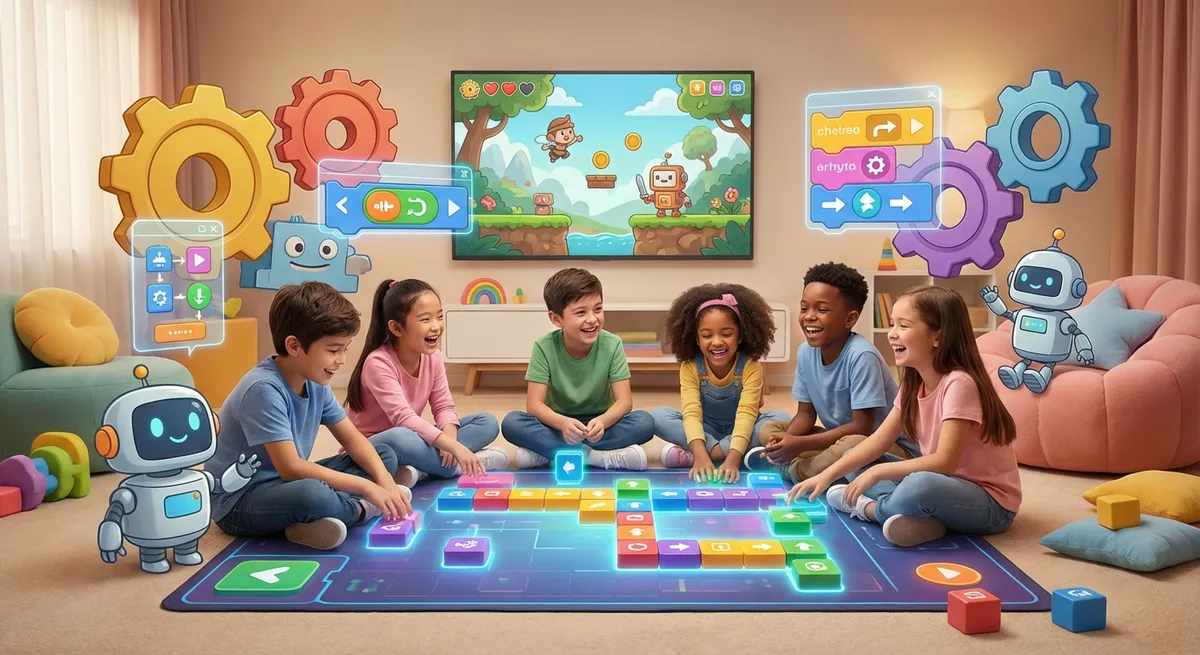
Block Coding
What Is Block Coding?
Block coding lets you create programs by snapping colorful blocks together, just like building with LEGO.
Each block tells the computer to do something simple, such as move forward, turn, or repeat an action.
When you connect the blocks in the right order, the computer follows your instructions.
How It Works
- Choose A Block – Pick a block that matches the action you want, like “move 10 steps.”
- Drag It – Pull the block onto the workspace.
- Snap It – Attach it to another block. The shapes only fit one way, so the code stays organized.
- Run It – Press the green flag (or start button) and watch your program come to life.
Common Blocks
- Motion – moves a sprite (character) around the screen.
- Looks – changes colors, shows messages, or switches costumes.
- Control – repeats actions or makes decisions with “if‑else” blocks.
- Events – starts the code when something happens, like clicking a sprite.
Try It Yourself
- Open a block‑coding platform (many schools use Scratch).
- Drag a “when green flag clicked” block onto the workspace.
- Add a “move 10 steps” block below it.
- Add a “turn 15 degrees” block after that.
- Click the green flag. Watch your sprite move and turn!
Why It’s Fun
- No Typing Needed – you only need to drag and snap.
- Instant Feedback – see what happens right away.
- Creative – build games, stories, and animations.
- Problem Solving – figure out how to make your ideas work.
Block coding is a playful way to learn how computers think. Keep experimenting, and soon you’ll be making your own games and stories!