Debugging: the Superhero of Coding
What Is a Bug?
A bug is a mistake that stops a program from working right. Bugs can be:
- Typos – writing
pritninstead ofprint. - Logic Errors – telling a robot to turn left when we meant right.
- Missing Parts – forgetting a closing parenthesis
).
When the computer sees a bug, it can’t understand the code and may stop running.
Fun Fact: The word “bug” comes from a real moth that got stuck in a computer in 1947!
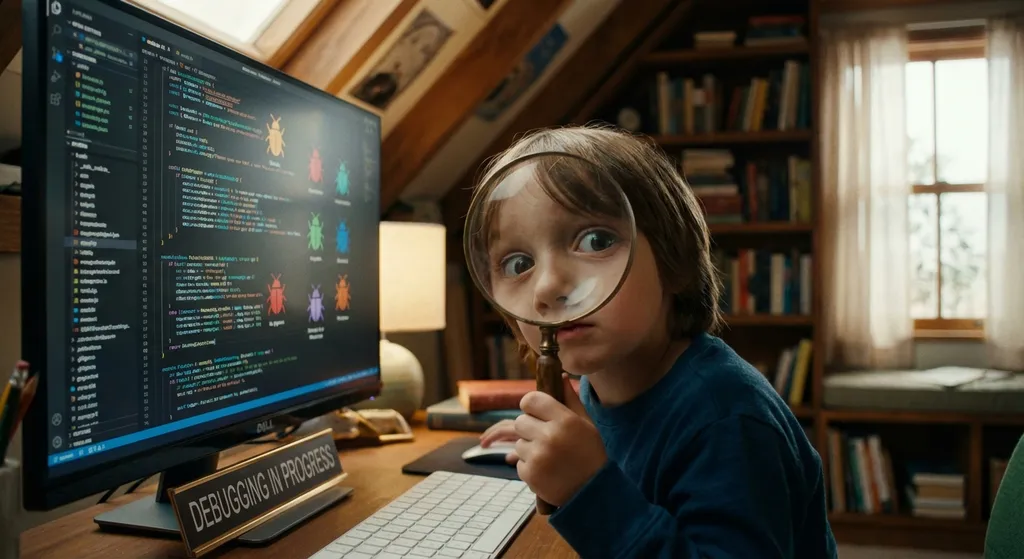
The Four‑step Debugging Adventure
- Re‑run The Program – See the error happen again.
- Read The Error Message – The computer tells you what went wrong.
- Find The Culprit – Use
printstatements or breakpoints to narrow the problem. - Fix And Test – Change the code and run it once more.
Example (Python)
num1 = 5
num2 = "3"
total = num1 + num2
print("Total:", total)
The program crashes because num2 is a string, not a number.
Fix: num2 = int("3").
Tools and a Quick Activity
- Print / Console Logs – Show the value of a variable.
- Breakpoints – Pause the program to look around.
- Linters – Highlight syntax errors before you run the code.
Mini Challenge (JavaScript)
let fruits = ["apple", "banana", "cherry"];
console.log("I love " + fruits[3] + "!");
What prints? fruits[3] does not exist, so the output is “I love undefined!”.
Fix: Change fruits[3] to fruits[2].
Conclusion – Your Coding Superpower
Debugging is more than fixing mistakes; it trains your brain to think carefully and solve puzzles. Every bug you squash makes you a stronger coder and a better problem‑solver. Keep asking “What could be wrong?” and let your inner superhero shine! 🌟