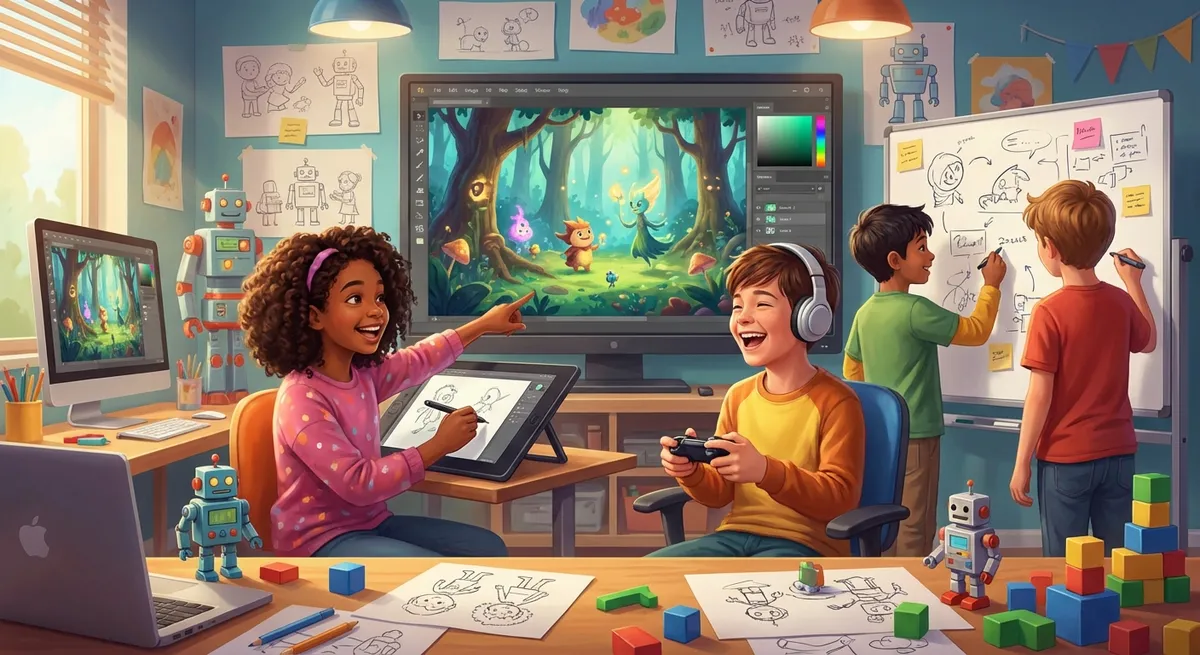
How Video Games Are Made: A Kid’s Guide to Game Design
Ever wondered how the characters you control in a video game know where to go, or why the levels get harder as you play? That magic is called Game Design – a blend of storytelling, art, and computer‑science tricks. In this guide we’ll explore the main ideas behind making a game, learn some new words, and even try a tiny experiment yourself!
1. The Building Blocks: Sprites, Algorithms, and Loops
| Word | Simple Meaning | Kid‑Friendly Definition |
|---|---|---|
| Sprite | A picture | A tiny image (like a character or a coin) that the computer draws on the screen. |
| Algorithm | A recipe | A step‑by‑step set of instructions the computer follows to do something, such as “move the sprite left when you press the left arrow.” |
| Loop | Repeat button | A piece of code that tells the computer to keep doing something over and over, like checking if a player has pressed a key every frame. |
Cause & Effect:
If you write an algorithm that says “If the player touches a monster, lose a life,” the effect is that the player’s life counter goes down whenever the two sprites touch. Changing the condition (the “if”) changes the effect.
Example:
In the classic game Super Mario, the algorithm for jumping looks roughly like this:
when space bar pressed → set vertical speed = -10
while player is in the air → add gravity (increase speed) each frame
The loop keeps adding gravity until Mario lands, making the jump feel smooth.
2. Designing Levels: Difficulty Curve and Feedback
- Difficulty Curve – how a game gets harder. Designers start with easy tasks, then add challenges so players keep learning.
- Feedback – signals the game gives you (like a “ding!” when you collect a star). Good feedback tells you you did something right or wrong.
Did You Know? The first video game ever, Spacewar! (1962), had no levels at all. Modern games use level design to guide players through a story and a Difficulty Curve that feels just right.
Cause & Effect:
If a level has too many enemies at once, the player may feel frustrated (negative effect). If the same level spaces enemies out, the player feels challenged but not overwhelmed (positive effect). Designers test and tweak these elements to find the sweet spot.
3. Making the Game Talk: User Interface (UI) and Sound Effects
- User Interface (UI) – all the buttons, menus, and on‑screen info you interact with.
- Sound Effects – little noises that give clues, like a “boing” when you jump.
A clear UI helps players understand what to do without reading a big manual. Sound effects give instant Feedback (“buzz” when you lose a life) and make the world feel alive.
Example:
In Minecraft, the UI shows your health bar, hunger, and inventory. When you place a block, you hear a soft “click” that confirms the action.
4. Fixing Bugs: Debugging and Testing
- Bug – an error that makes the game behave strangely (like a sprite walking through walls).
- Debugging – the process of finding and fixing bugs.
- Testing – playing the game to discover bugs.
Cause & Effect:
If a bug lets the player get infinite lives, the game becomes too easy (effect). Debugging removes the bug, restoring the intended challenge.
Mini Experiment:
-
Grab a piece of paper and draw a simple maze.
-
Write a short set of rules (algorithm) for a friend to move a
-
Write a short set of rules (algorithm) for a friend to move a sprite through the maze.
-
Have your friend follow the rules step‑by‑step. Does the sprite reach the exit?
-
If it gets stuck or takes a wrong turn, change the rule (debug) and try again.
Quiz: Test Your Knowledge
1. What is a sprite?
a) A type of music track
b) A tiny picture or character in a game ✓
c) A secret code word
d) A level‑up bonus
2. What does a loop do in a game program?
a) Saves the game automatically
b) Makes the computer repeat an action many times ✓
c) Changes the game’s colors
d) Deletes old levels
3. Why do game designers use a difficulty curve?
a) To make the game look prettier
b) To keep players bored
c) To gradually make the game harder so players keep learning ✓
d) To hide secret messages