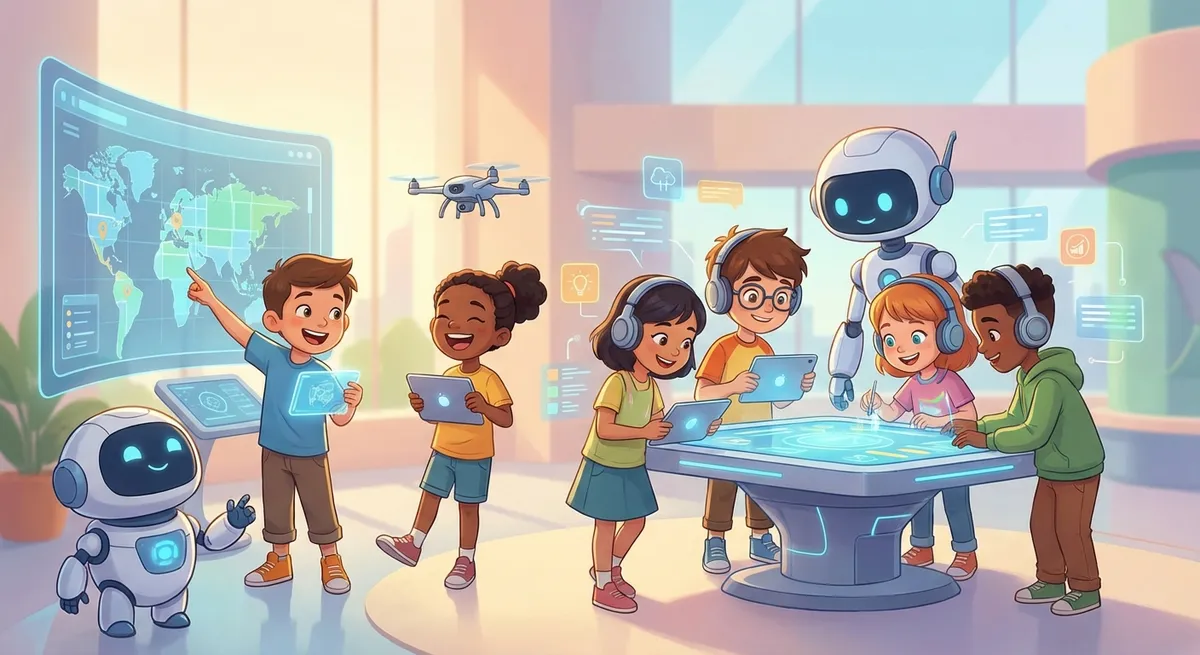
Digital Collaboration: Teamwork in the Tech World
Ever wondered how friends can build a video game together Even When They’re Miles Apart? That’s the magic of digital collaboration—using computers and the internet to work side‑by‑side on projects, solve problems, and create cool stuff. In this guide we’ll explore what digital collaboration is, see real‑world examples, learn why it matters, and try a fun mini‑experiment!
1. What Is Digital Collaboration?
- Collaboration = people working together toward a common goal.
- Digital = using electronic devices (computers, tablets, phones) and the internet.
When you combine them, Digital Collaboration means “working together through technology.”
Complex Word: synchronization – the act of making things happen at the same time. In digital collaboration, your changes are synchronized so everyone sees the latest version instantly.
Why It’s Useful
- Speed: Teams can edit a document at the same time, finishing projects faster.
- Diversity: Different ideas from different places make solutions stronger.
- Access: You can join a project from home, the library, or a park—anywhere with internet.
2. Everyday Tools for Collaboration
| Tool | What It Does | Example for Kids |
|---|---|---|
| Google Docs | A shared word processor that updates in real time. | Write a class story together; each friend adds a paragraph. |
| Minecraft Realms | A multiplayer game world you can build in together. | Design a giant castle with teammates, each adding rooms. |
| Padlet | A digital bulletin board where you can post notes, pictures, and videos. | Create a class “science fair” board, posting experiment photos. |
| Zoom/google Meet | Video‑chat platforms with screen‑sharing. | Show each other how to solve a math puzzle live. |
Cause And Effect:
If you share a Google Doc with your classmates, then everyone can see each other’s edits instantly, which means the story gets finished Much Quicker than passing paper back and forth.
3. How Collaboration Changes the Way We Learn
- Instant Feedback – When a teammate spots a mistake, they can fix it right away.
- Shared Responsibility – Each person owns a part of the project, so the workload is balanced.
- Learning New Skills – You might learn how to use a new app while helping a friend.
Did You Know?
The NASA team that built the Mars rover used digital collaboration tools to coordinate work across Four Continents. That means engineers in the U.S., Europe, Asia, and Australia all contributed without ever meeting in person!
4. Mini Experiment: Build a Collaborative Storyboard
What You Need
- A free account on Padlet (or any online whiteboard).
- Two or more friends with internet access.
Steps
- Create a new Padlet board titled “Our Adventure Story.”
- Invite your friends by sharing the link.
- Decide on a story start: “A brave squirrel discovers a glowing acorn…”
- Each friend adds a Post with the next sentence, a drawing, or a sound clip.
- Watch the story grow in real time! When everyone is done, read the whole adventure aloud.
What To Observe
- How quickly the board updates after each addition (synchronization).
- Which ideas spark new directions—notice how one friend’s drawing might inspire another’s twist.
Reflection Questions
- Which part of the story changed the most after