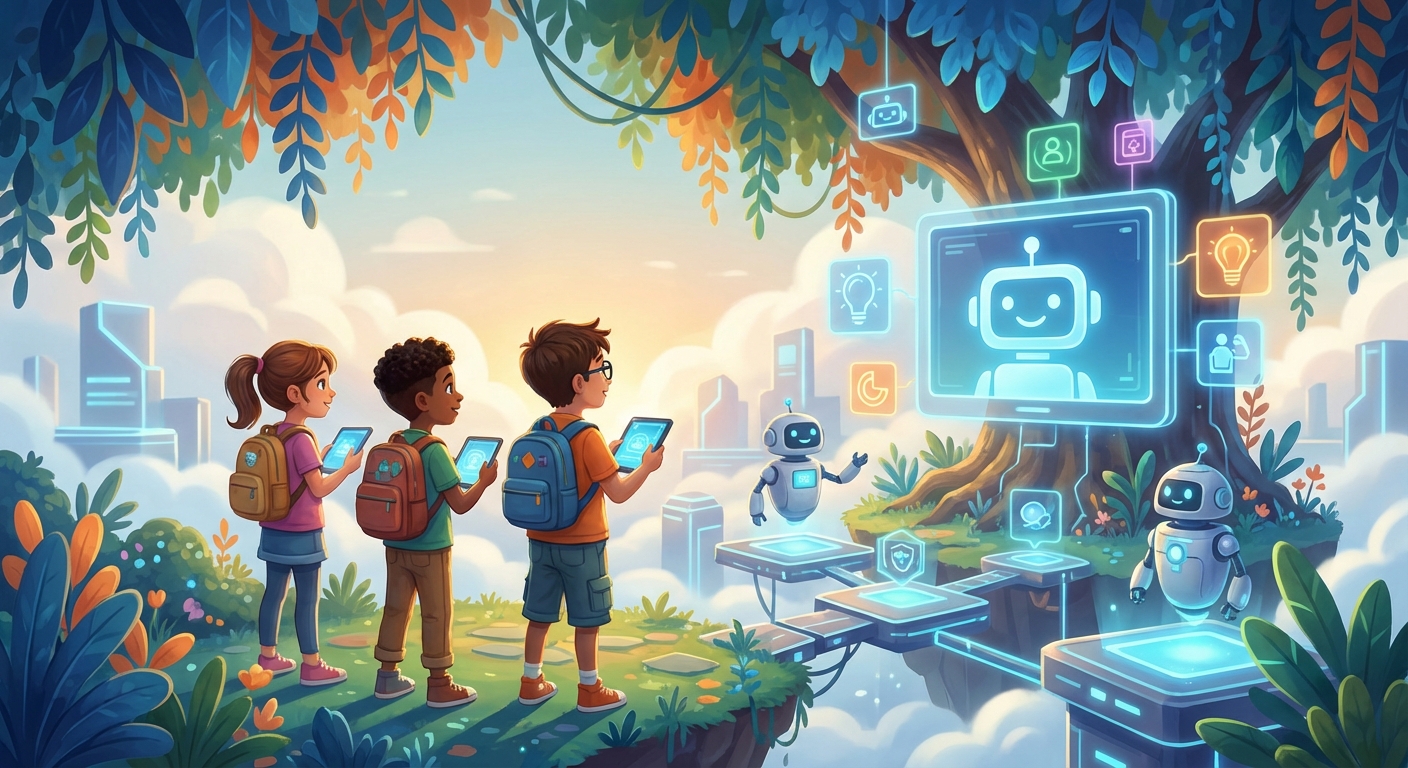
Digital Ethics: Doing the Right Thing Online
Every day we use computers, tablets, and phones to play games, chat with friends, and learn new things. But just like we follow rules at school or home, there are Ethical rules for the digital world. Ethics means thinking about what is fair, kind, and responsible. In this guide you’ll discover how to be a good digital citizen, why it matters, and some fun ways to test what you learn!
1️⃣ Respecting Others’ Information
What It Means
When someone shares a photo, a video, or a story online, that content belongs to them. Intellectual Property is a fancy term for ideas, pictures, or music that someone created.
Example
You love a cool drawing your classmate made. Instead of posting it on Instagram without asking, you ask, “May I share this?” If they say yes, you can give them credit: “Art by Maya 🌈.”
Cause & Effect
- If You Share Without Permission: The creator may feel upset, and the platform might remove the post.
- If You Ask First: Everyone feels respected, and you build trust online.
Did You Know?
Ask before sharing another person’s photo, drawing, voice, or private story. Permission can be withdrawn, and an adult should help decide what is safe to post.
2️⃣ Keeping Personal Data Safe
What It Means
Personal Data includes your name, address, birthday, or even the name of your pet. It’s like a secret key that lets you unlock your online accounts.
Example
A game may ask for information to build a profile, even when a question seems harmless. Share only what is necessary and approved by a parent or caregiver. A request for a home address, school, precise location, password, or private photo is a reason to stop and ask an adult.
Cause & Effect
- Sharing Too Much: Strangers could use the info to pretend they’re you (called identity theft).
- Keeping It Private: Your accounts stay safe, and you avoid unwanted messages.
Mini Activity: Build a Password Safety Plan
- Never use, write, or share a real password for this activity.
- On paper, list four protections: a long unique password, a trusted password manager used with an adult, multi-factor authentication, and recovery information kept current.
- Explain why reusing one password is risky: one breach could expose several accounts.
- If anyone asks for your password—even a friend—do not give it to them. Ask a parent, caregiver, teacher, or the service’s official support process for help.
3️⃣ Being Honest & Kind in Digital Communication
What It Means
Online words can travel fast. Cyberbullying is when someone uses the internet to hurt others with mean messages.
Example
If a classmate posts a funny meme about you without checking if you’re okay with it, that can be hurtful.
Cause & Effect
- Bullying Online: The target may feel sad, lose confidence, or even stop using the internet.
- Speaking Kindly: Makes the digital space welcoming, and you’re more likely to make friends.
Did You Know?
The word “emoji” comes from Japanese, meaning “picture character.” Using a happy emoji 😊 can soften a message, but it’s still important to choose kind words first!
4️⃣ Thinking Before You Click
What It Means
Not everything on the internet is true. Misinformation is false information that spreads quickly.
Example
A video claims that “eating carrots makes you see in the dark.” It’s a fun idea, but scientists say it’s not true.
Cause & Effect
- Sharing False Facts: Friends might believe something that isn’t real, leading to confusion.
- Checking Sources: You become a trusted “fact‑finder” and help stop rumors.
Quick Test
Ask an adult to help you look up a claim on a reliable site (like a library website). See if the claim matches the evidence.
Mini Quiz & Experiment
Quiz (circle the right answer)
-
If you want to share a friend’s photo, you should:
a) Post it right away.
b) Ask for permission and check with an adult. ✓
c) Add their address first. -
Should you reuse the same password everywhere?
a) Yes
b) No ✓ -
What should you do if a site requests private information you do not understand?
a) Guess
b) Stop and ask a trusted adult ✓