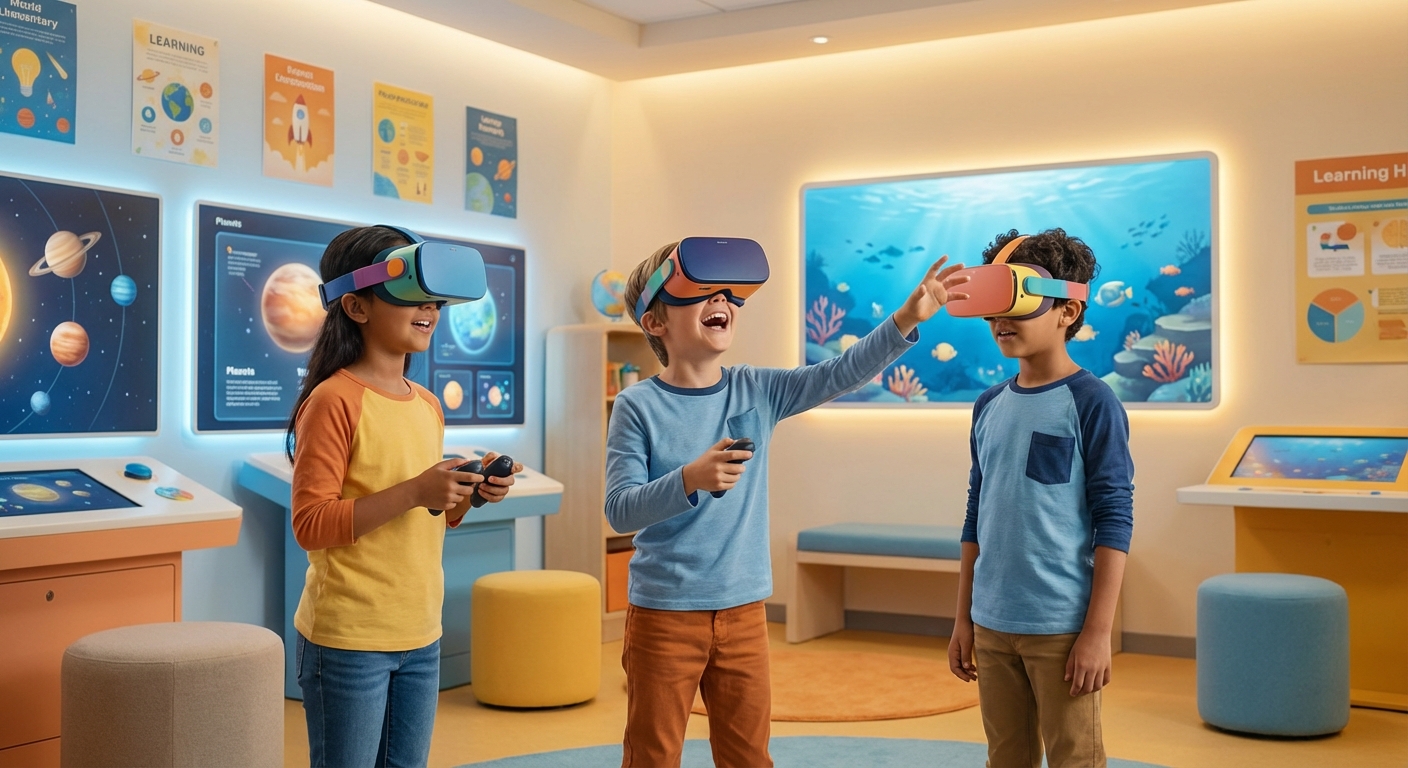
Exploring Virtual Reality
Imagine putting on a headset and stepping into a world where dinosaurs roam, you can walk on the surface of Mars, or paint a picture that comes alive around you. That’s Virtual Reality (VR) – a technology that creates a completely computer‑generated environment that you can see, hear, and sometimes even feel. Let’s dive into how VR works, where we use it, and what cool things you can try at home!
1. What Is Virtual Reality?
- Virtual – not real, but made by a computer.
- Reality – the world we live in and experience with our senses.
When you combine the two, you get a simulated (made‑to‑look‑like) world that tricks your brain into thinking you’re really there.
Did You Know? The first VR headset was created in the 1960s and was called the “Sword of Damocles” because it hung from the ceiling like a sword!
Key Vocabulary
| Word | Simple Meaning | Kid‑Friendly Definition |
|---|---|---|
| Simulate | Imitate | To copy something so it feels real. |
| Sensors | Detectors | Tiny devices that notice movement or light. |
| Immersive | All‑around | Making you feel like you’re completely inside something. |
| Latency | Delay | The tiny pause between moving your head and the picture changing. |
2. How Does VR Work?
- Headset – A pair of small screens (one for each eye) that shows the virtual world.
- Sensors – Cameras or gyroscopes track where your head and hands move.
- Computer Or Phone – Generates the images and sends them to the headset.
Cause And Effect:
- Cause: You turn your head to the left.
- Effect: The sensors tell the computer, which then shows the virtual scene turning left, just like in real life.
This instant feedback is what makes VR feel immersive.
3. VR in Real Life
| Area | How VR Helps | Fun Example |
|---|---|---|
| Education | Students can explore the human body or ancient ruins without leaving the classroom. | A virtual field trip to the pyramids of Egypt. |
| Medicine | Doctors practice surgeries in a safe, computer‑generated operating room. | A surgeon rehearses a heart operation on a virtual heart. |
| Gaming | Players become the hero, swinging swords or piloting spaceships. | “Beat Saber” – you slash glowing blocks to the beat of music. |
| Travel | You can “visit” far‑away places without a plane ticket. | Walking through a rainforest while hearing the birds. |
4. Safe Activity: Explore a 360° Scene
Use a teacher- or parent-approved 360° scene on a normal screen—no homemade headset is needed.
- Ask an adult to choose the site or app, check its privacy settings, and confirm that it is suitable for your age and device.
- Sit in a clear area and drag the view slowly with a mouse or finger.
- Identify what changes when you look left, right, up, and down. A 360° image changes your view, but it does not recreate every sense or prove you are physically present.
- Stop immediately if you feel dizzy, nauseated, disoriented, have eye discomfort, or get a headache. Take regular breaks and follow the device maker’s age and health guidance.
- Never walk, run, or use stairs while viewing an immersive scene.
Quick Check
- Does VR reproduce the real world perfectly? No. It is a computer-made or recorded experience with limits.
- Who should approve an app and its privacy settings? A parent, caregiver, or teacher.