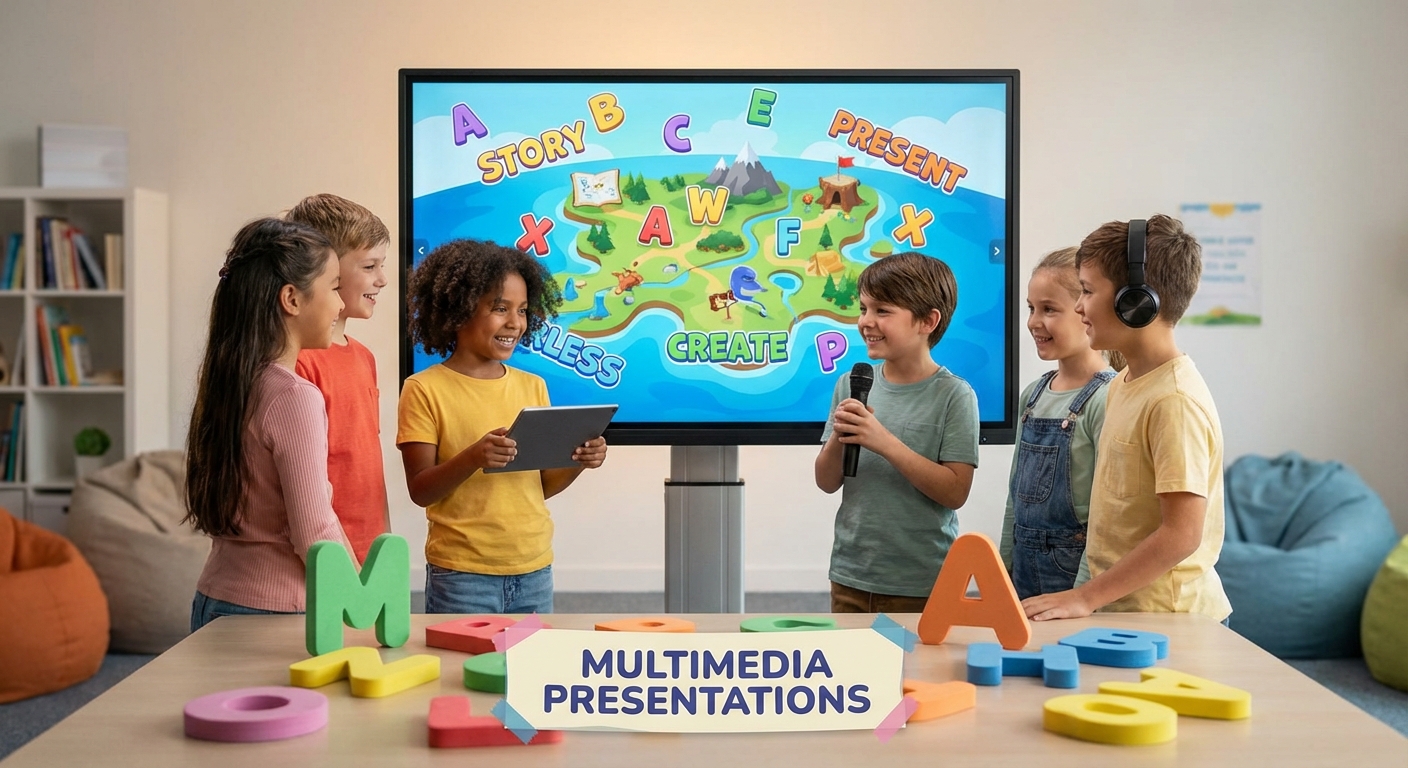
Multimedia Presentations
What Is a Multimedia Presentation?
A multimedia presentation mixes pictures, sound, video, and words. It helps the audience understand ideas better. You can tell a story, show a project, or explain a topic using slides.
Tools You Can Use
- Computer Programs like PowerPoint, Google Slides, or Keynote.
- Tablet Apps that let you add drawings and voice recordings.
- Simple Video Editors for short clips.
All of these tools let you place text, images, and audio on each slide.
Tips for a Great Presentation
- Keep It Simple – use one main idea per slide.
- Add Pictures – a picture tells a story faster than many words.
- Use Short Sentences – keep each sentence under 12 words.
- Speak Clearly – practice your voice before showing the slides.
- Include A Fun Sound – a short clip can make a point memorable.
Practice Makes Perfect
Try making a short presentation about your favorite animal. Add a photo, a few facts, and a short sound of the animal’s call. Show it to a family member and ask for feedback. The more you practice, the more confident you’ll become!