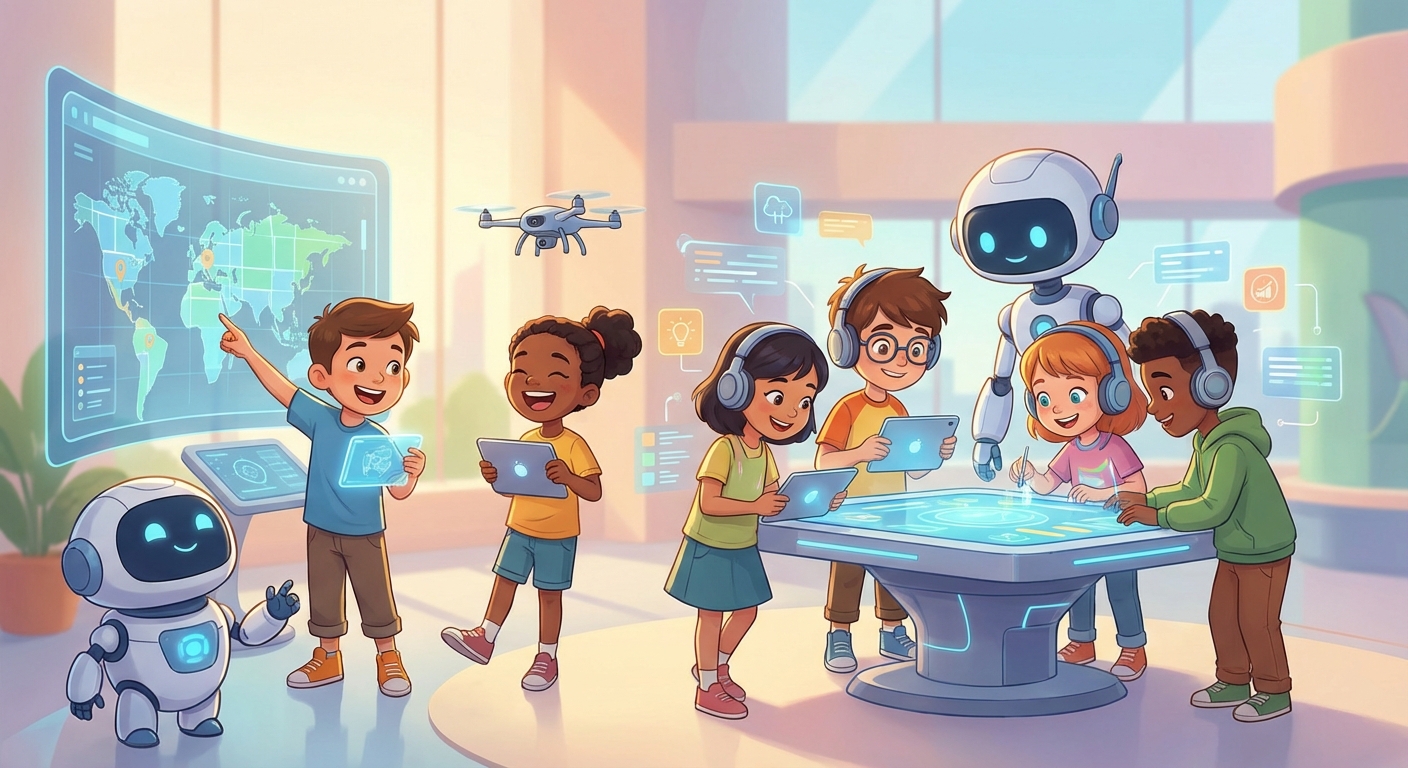
Digital Collaboration: Teamwork in the Tech World
Ever wondered how friends can build a video game together Even When They’re Miles Apart? That’s the magic of digital collaboration—using computers and the internet to work side‑by‑side on projects, solve problems, and create cool stuff. In this guide we’ll explore what digital collaboration is, see real‑world examples, learn why it matters, and try a fun mini‑experiment!
1. What Is Digital Collaboration?
- Collaboration = people working together toward a common goal.
- Digital = using electronic devices (computers, tablets, phones) and the internet.
When you combine them, Digital Collaboration means “working together through technology.”
Complex Word: synchronization – the act of making things happen at the same time. In digital collaboration, your changes are synchronized so everyone sees the latest version instantly.
Why It’s Useful
- Speed: Teams can edit a document at the same time, finishing projects faster.
- Diversity: Different ideas from different places make solutions stronger.
- Access: You can join a project from home, the library, or a park—anywhere with internet.
2. Everyday Tools for Collaboration
| Tool Type | What It Does | Example for Kids |
|---|---|---|
| Shared document | Lets approved participants edit the same file. | Write a class story in a teacher-managed document. |
| Class bulletin board | Organizes notes, drawings, or teacher-approved media. | Post experiment observations without names, faces, or private details. |
| School video meeting | Lets invited participants talk or share a screen. | Explain a math strategy in a teacher-supervised call. |
Cause And Effect:
If a teacher shares a document with a class, approved participants can see changes without passing one paper around. Collaboration is not always faster, so groups also need roles, turn-taking, and a plan.
3. How Collaboration Changes the Way We Learn
- Instant Feedback – When a teammate spots a mistake, they can fix it right away.
- Shared Responsibility – Each person owns a part of the project, so the workload is balanced.
- Learning New Skills – You might learn how to use a new app while helping a friend.
Did You Know?
NASA space missions often involve teams, contractors, researchers, and international partners working across institutions and time zones. Digital tools help them share designs and data, but teams may also meet in person and not every mission has the same partners.
4. Mini Experiment: Build a Collaborative Storyboard
What You Need
- A school or adult-approved collaborative board or shared slide.
- A teacher, caregiver, or other trusted adult to create the private space and invite known participants.
Steps
- Ask the adult to create a private board titled “Our Adventure Story.” Do not create an account or accept unknown participants on your own.
- The adult invites only classmates, friends, or family they know. Never post the link publicly or include full names, faces, locations, school names, or contact details.
- Decide on a story start: “A brave squirrel discovers a glowing acorn…”
- Each friend adds a Post with the next sentence, a drawing, or a sound clip.
- Watch the story grow in real time! When everyone is done, read the whole adventure aloud.
What To Observe
- How quickly the board updates after each addition (synchronization).
- Which ideas spark new directions—notice how one friend’s drawing might inspire another’s twist.
Reflection Questions
- Which part of the story changed the most after everyone added ideas?