Digital Art
What Is Digital Art?
Digital art is artwork made with computers, tablets, or phones. Instead of paint and brushes, artists use programs that let them draw, paint, and animate on a screen. The pictures can look like cartoons, realistic paintings, or even moving videos. Because it lives on a device, digital art can be changed easily—just erase a line or add a new color with a click.
Tools Artists Use
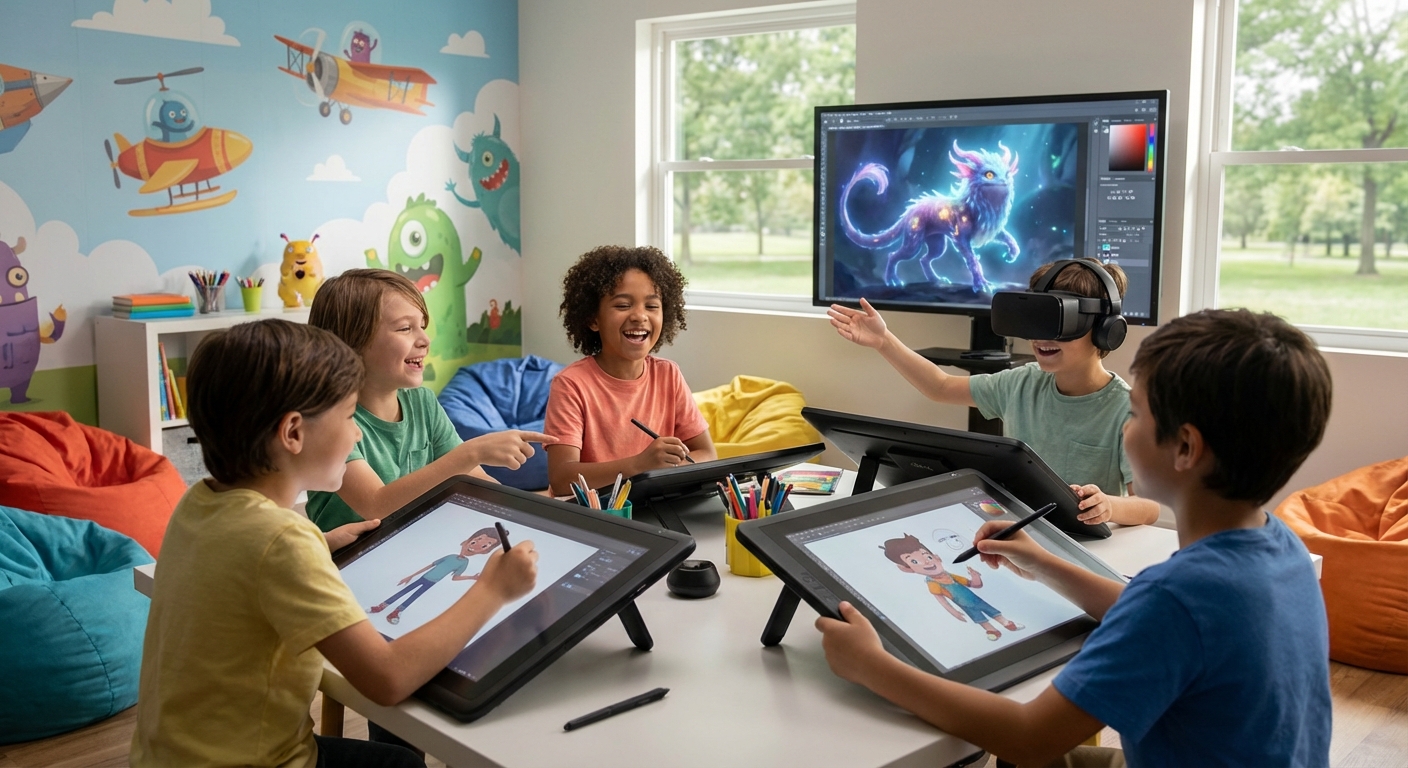
- Drawing Tablets – flat pads that feel like paper but send the strokes to a computer.
- Stylus Pens – like a pencil that works on the tablet screen.
- Software – programs such as Krita, Procreate, or Paint 3D that give many brushes, colors, and effects.
- Phones And Apps – many kids start with simple drawing apps on a tablet or phone.
These tools let artists experiment without buying lots of paint or paper.
How to Try Digital Art
- Choose A Device – a tablet, laptop, or even a phone works.
- Pick A Simple App – look for a free drawing program with basic brushes.
- Start With Shapes – draw circles, squares, and lines to practice control.
- Add Color – fill your shapes with bright colors and try shading.
- Explore Layers – many programs let you draw on separate layers, so you can change one part without affecting the rest.
- Save And Share – keep your artwork in a folder and show it to friends or family.
Digital art lets you create anything you imagine, and you can keep improving by trying new tools and techniques. Have fun exploring the colorful world of pixels!